本文档由 Apifox 自动生成,推荐使用 Apifox - API 文档、API 调试、API Mock、API 自动化测试!


Search
<salla-search> website element shows a search box, field, or bar. Its specific purpose is to accept user input for database searching. It consists of a Modal activated by the Button component, and that can be customized using the slots' parameters available.Note
Example
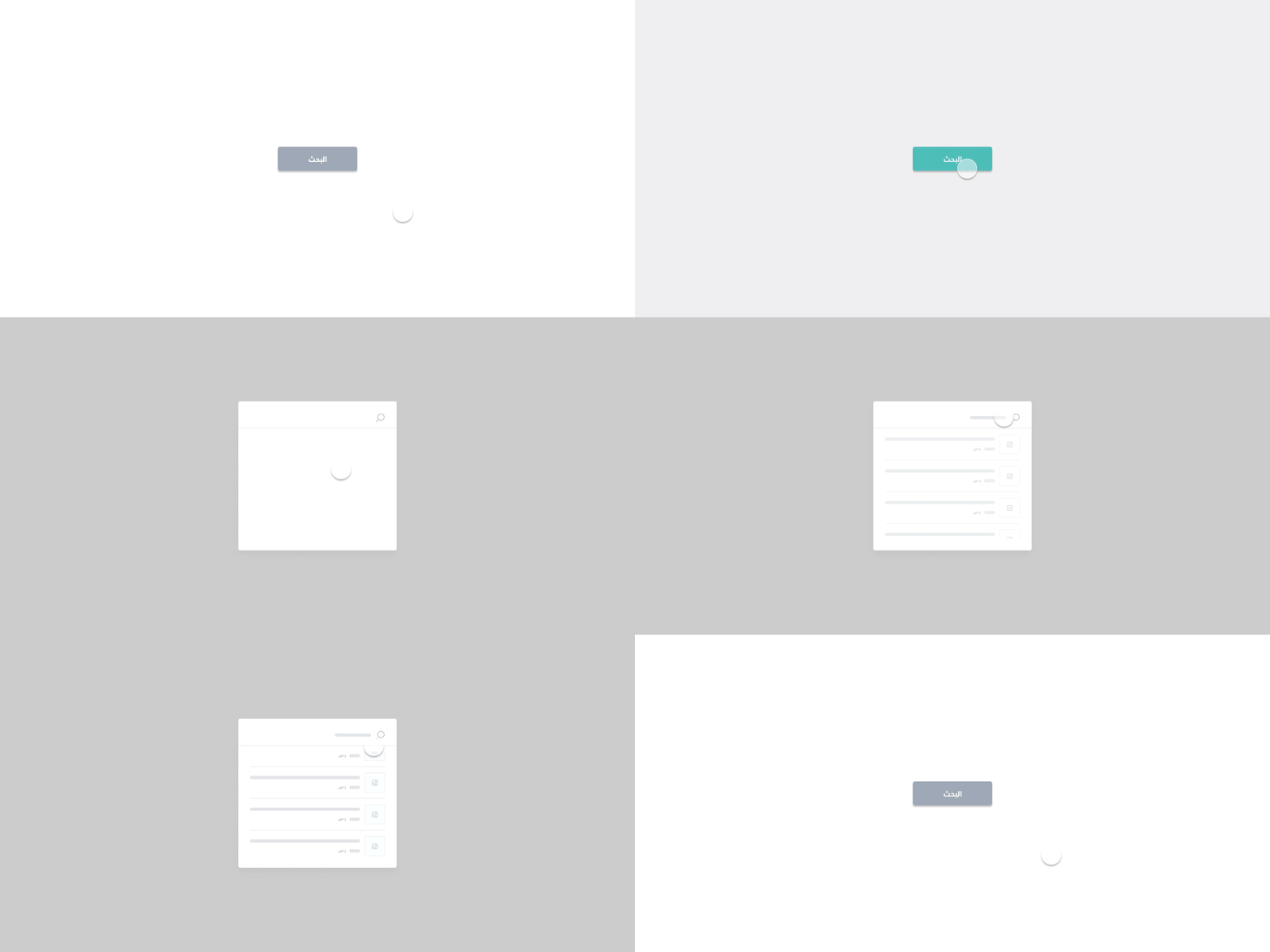
Usage
HTML
JS
SASS
Properties
| Property | Attribute | Description | Type | Default |
|---|---|---|---|---|
| Height | height | Adjusts the height of the search input Bar | number | '60' |
| Inline | inline | Sets the component display without the pop-up modal window | boolean | 'false' |
| Oval | oval | Creates the Search Bar in an oval shape by adding a border radius to the input | boolean | 'false' |
Slots
slots makes it customizable to modify certain labels, such as product where developers can self-modify labels of name, price, regular_price, and image.| Slot | Description |
|---|---|
product | In the results, the products card outcome is replaced by the following replaceable props: {name}, {price}, {regular_price}, {image}. |


 扫码加入交流群
Modified at 2025-02-20 07:53:20